

The Salesforce Summer 25 release notes and schedule have been announced, with the confirmed schedule starting in May and ending in June. Here are the top features, admin updates, and release date news Salesforce has announced for its big Summer launch:
When Is The Salesforce Summer 25 Release Date?
As confirmed by Salesforce earlier this year, the Salesforce Summer 25 release date schedule has included the following weekends:
- May 17, 2024
- June 7, 2024
- June 14, 2024
Users can track the update via the official Salesforce Maintenance Calendar to see when their Salesforce org will be updated. This will depend on your instance, and Salesforce users have been encouraged to check theirs by scrolling through the list and checking – NA and EMEA – against those listed in the calendar.
You can find out more about the best features of the Salesforce Summer 25 release by reading more about the top admin updates below:
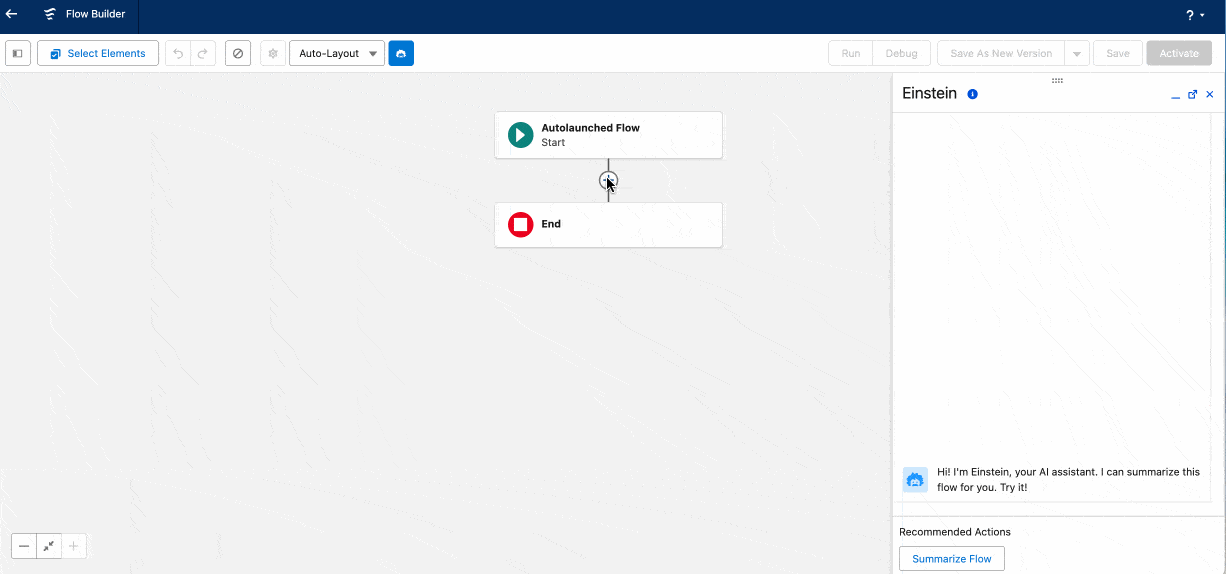
Get Related Records in a Single Flow Element
One of the most impactful updates for admins is the new ability to retrieve a record and its related records with a single “Get Records” element in Flow Builder. This significantly reduces the complexity of flows by eliminating the need to chain multiple elements together. Admins can now access an Account and all its Contacts, Opportunities or other child records in one step, streamlining automation and improving readability.
Improved Flow Debugging Tools
Debugging flows is now easier thanks to new enhancements in the Flow Builder debugging interface. Admins can now search within debug details, resize panels, view JSON outputs, and access clearer summaries of each element’s behavior. These changes allow for faster troubleshooting and a more efficient development process when building or refining flows.
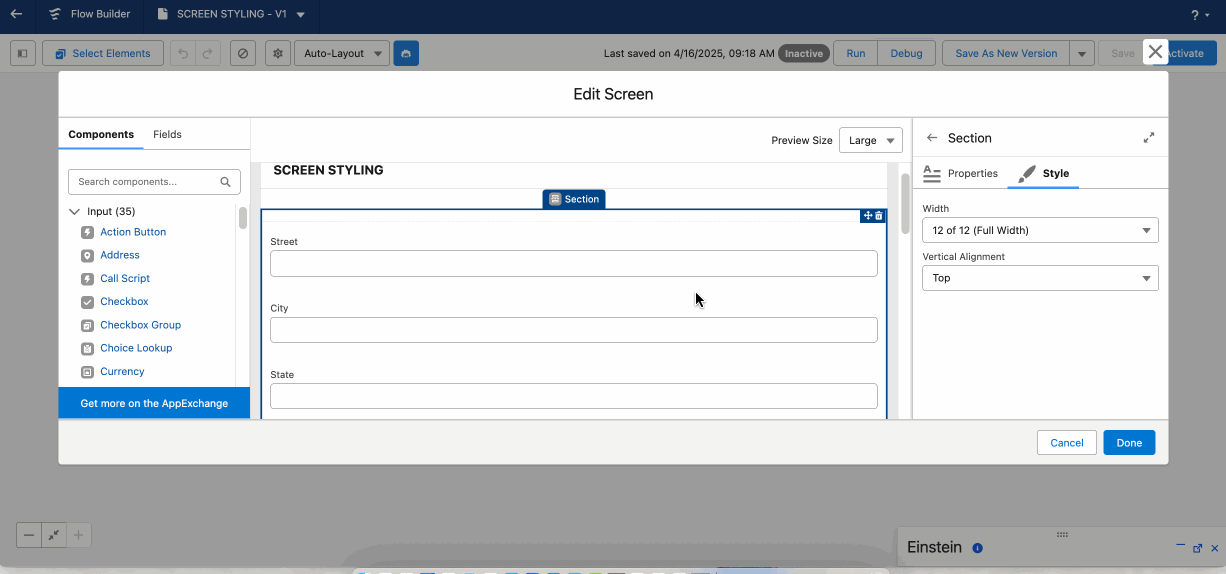
Enhanced Screen Flow Layout Options
Salesforce has introduced new screen layout controls that offer greater customization within Screen Flows. Admins can adjust the width and alignment of screen components, add icons to choice options, and preview the screen design on desktop, tablet, or mobile devices. These upgrades make it easier to deliver a polished user experience for internal teams or customers interacting with flows.
Bulk Permission Updates for Custom Profiles
Managing user permissions at scale is now more efficient. Salesforce has added a new way to mass-update object permissions directly from the Object Access tab. Admins can quickly review and apply permission changes across all custom permission sets and profiles without navigating into each one individually. This reduces the time spent on repetitive configuration tasks and supports cleaner governance practices.
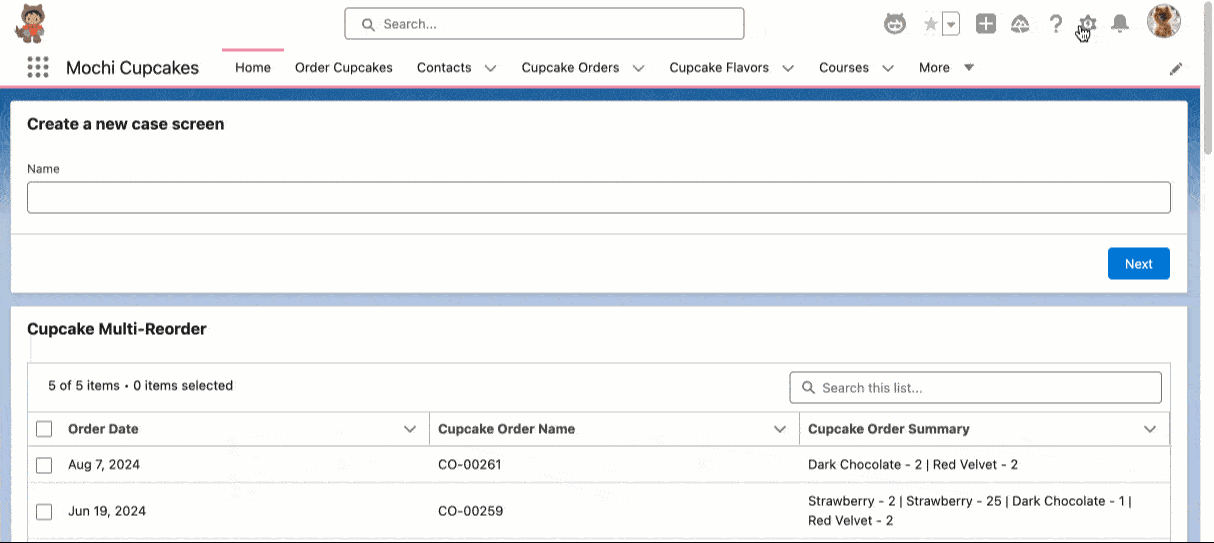
Salesforce Go: New Learning and Setup Hub
Salesforce Go is a new experience within Setup that helps admins discover and configure new features using guided tours, videos, and Trailhead modules. Designed to support admins at all experience levels, Salesforce Go offers a centralized location for learning about platform capabilities and accessing best practices while configuring them in real time.
Work With A Salesforce Consulting Partner Today
The Summer 25 release focuses on admin productivity, simplified automation, and a smoother user interface. Whether you’re managing complex flows, handling user permissions, or improving the user experience, these new features offer meaningful improvements that can have a big impact on daily Salesforce operations.